Reverse Audio – Sing It Backwards
Turn any word, lyric, or phrase into a reverse audio challenge.
Record your voice, play it backwards, and hear the surprising result. Share the reversed sound and let friends imitate it.

How it works
From recording to a reversed surprise in three steps.
01
Record
Capture a word, phrase, or lyric with the built-in voice recorder.
02
Reverse
Play it forward to check it, then tap to reverse the audio and hear it backwards.
03
Share
Send the reversed sound to a friend, let them imitate it, and reverse their recording too.
Inside Reverse Audio
Record a word, phrase, or lyric, then flip it backwards. Recordings, playback settings, and reverse challenges in one simple app.
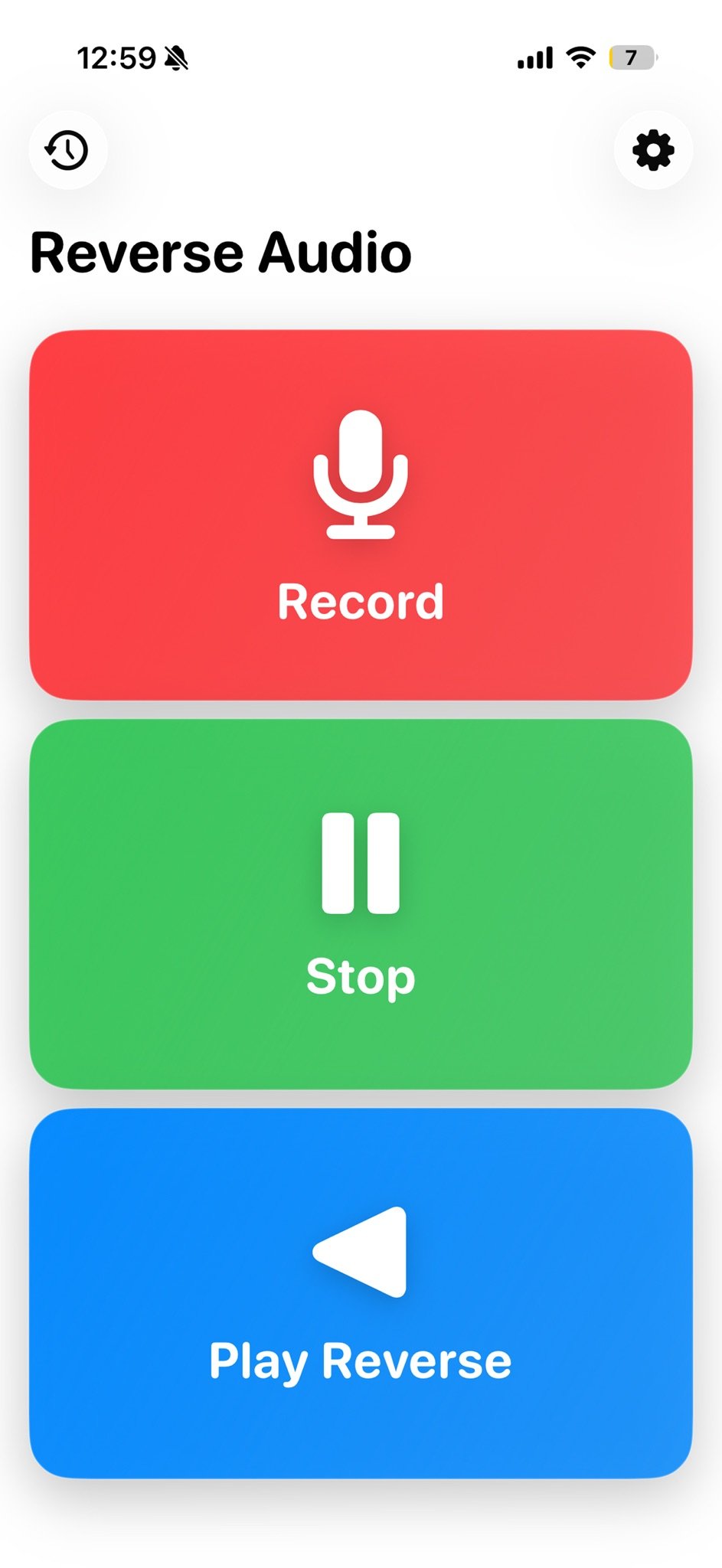
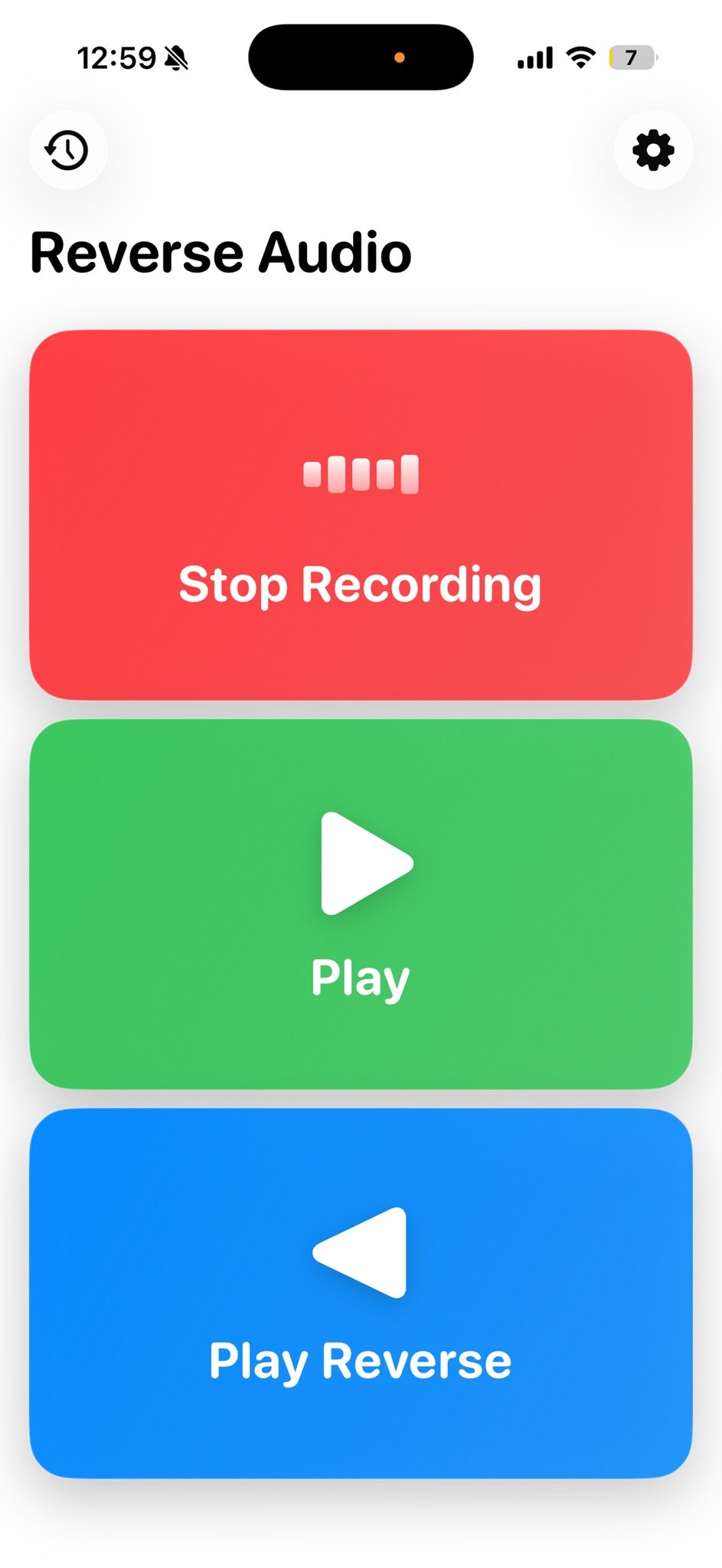
Record, stop, and play reverse
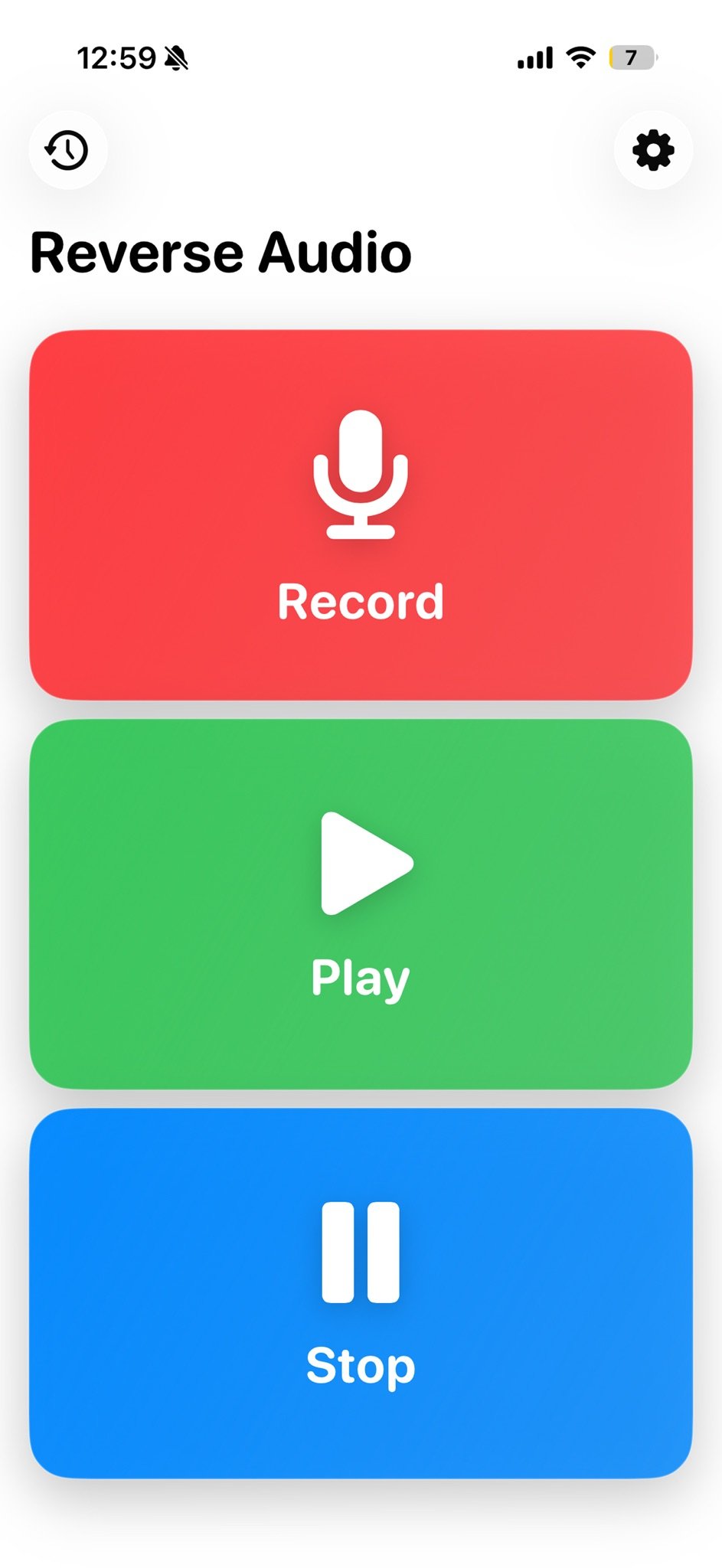
Record and play
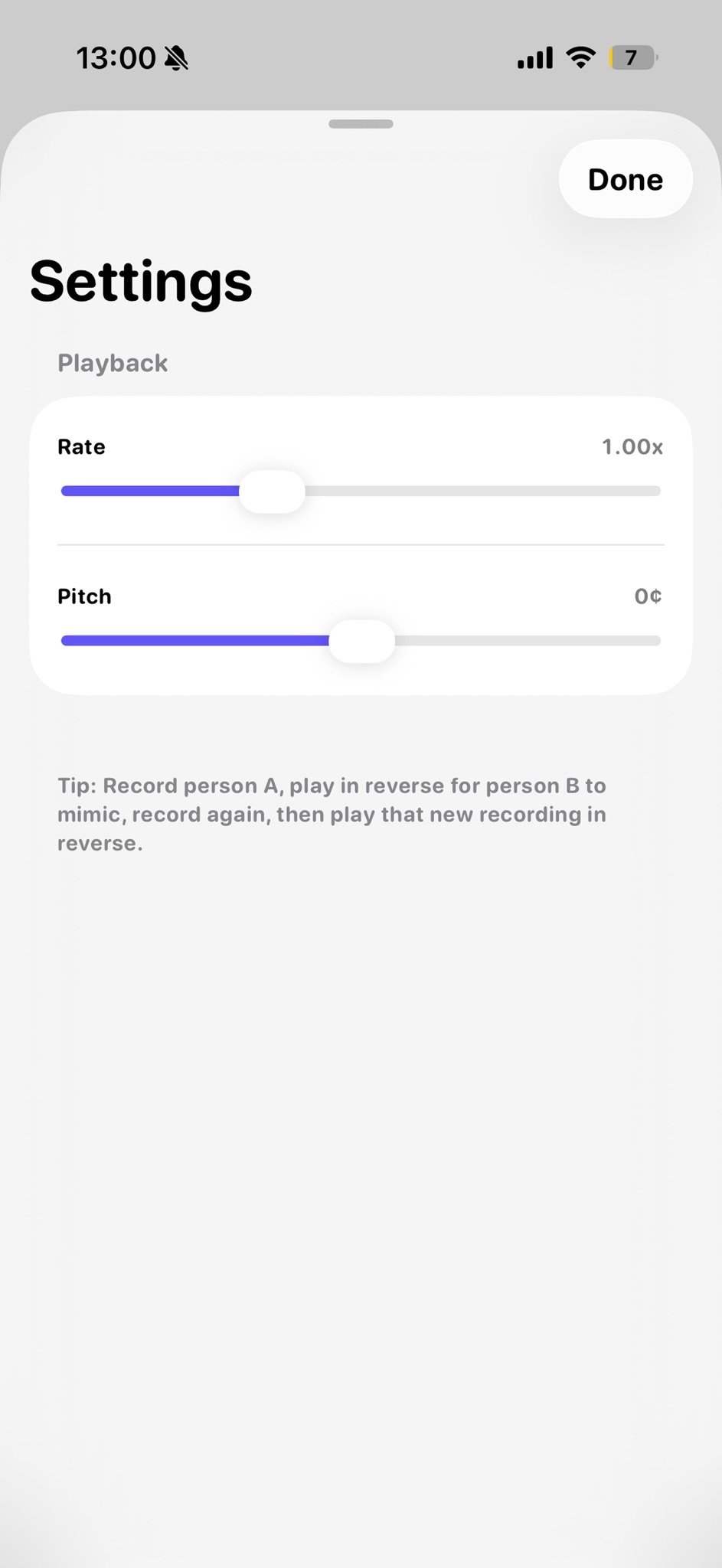
Playback settings
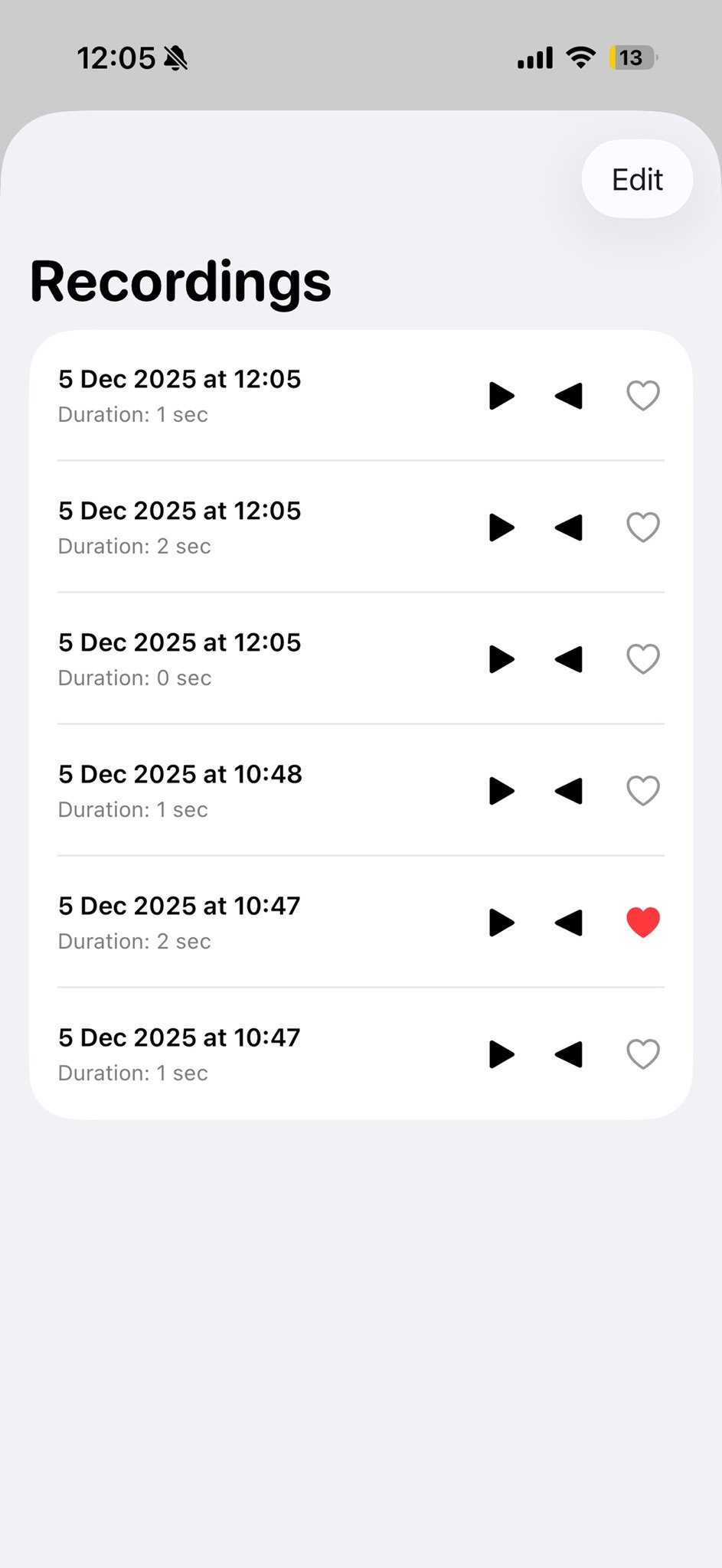
Recordings
Everything in one place
A clean, simple app for parties, karaoke, and vocal practice.
Playback
Instant reverse playback
Flip your recordings backwards and hear the unexpected result right away.
Ideas
Suggestions
Get words and song phrases to sing in reverse when you need inspiration.
Record
Easy recorder
Fast recording and playback with a simple, uncluttered interface.
Settings
Playback control
Adjust playback rate from 0.5x to 2.0x and shift the pitch.
Offline
Works offline
Record and reverse without a connection.
Export
Export audio
Export your reversed audio to share it.
Frequently asked questions
Anything else? Reach us at hei@purpl.no.
What is Reverse Audio?
Is it free?
Do I need an account?
Does it work offline?
What is Premium?
Get Reverse Audio – Singing & Play
Free to download. No account or sign-in required.