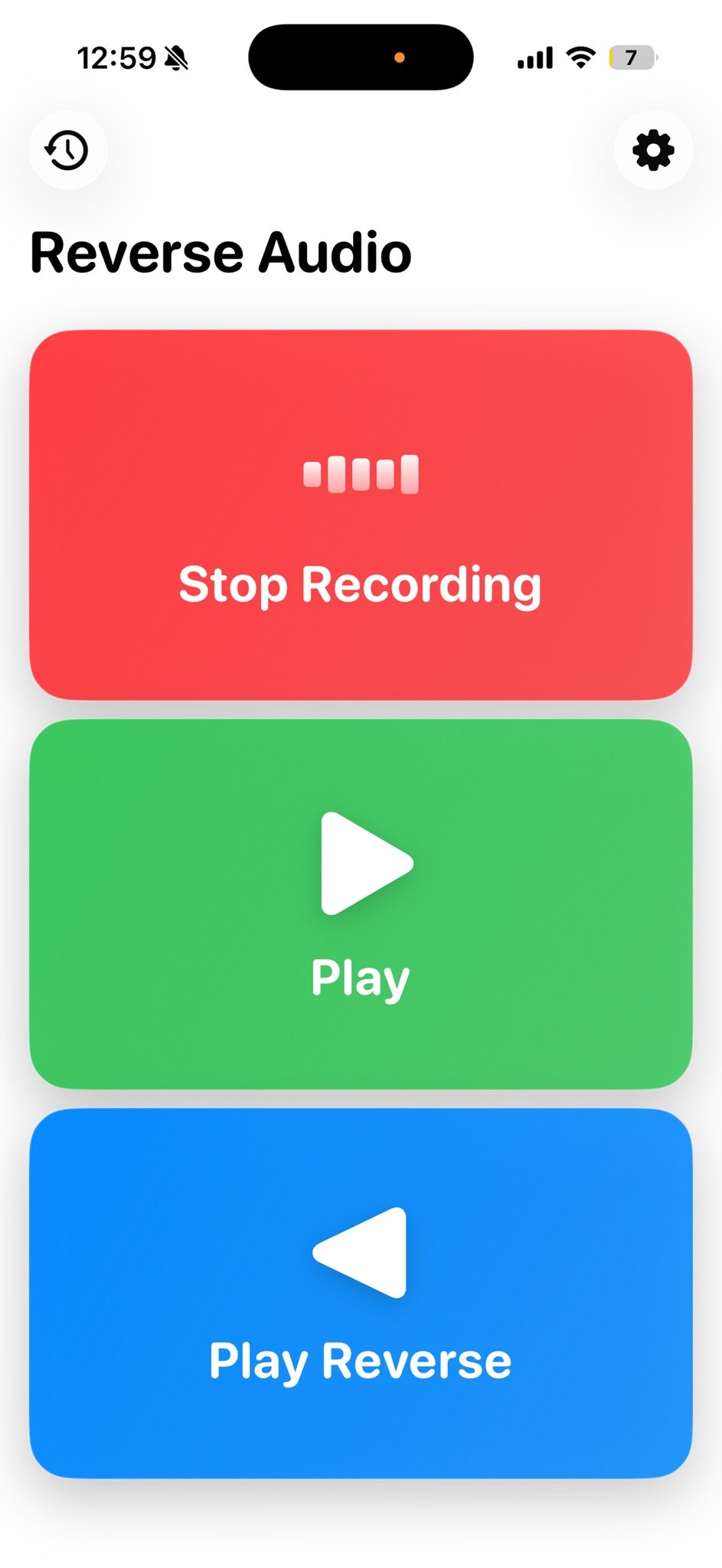
Reverse Audio • Singing & Play
Turn any word into a reverse audio challenge.
Reverse Audio – Sing It Backwards Turn any word, lyric, phrase, or quote into a fun and surprising reverse audio challenge.

Inside Reverse Audio • Singing & Play
Social groups and friends who want to play and have fun. Family audience.
Instant reverse playback
Record a word, phrase, or lyric, then tap to hear it play backwards instantly.
Suggestions for inspiration
Get song phrases and words to sing in reverse. Free users get limited suggestions; Premium unlocks unlimited.
Export and share
Export your audio with the reverse effect and share it with friends.
Works offline, no sign-in
Record and reverse without an account, sign-in, or internet connection.
How it works
Get started in three steps.
01
Download Reverse Audio • Singing & Play
Install it on your phone.
02
Record and reverse
Record a word, phrase, or lyric, then tap Play Reverse to hear it flipped.
03
Share the challenge
Share the reversed sound, let someone imitate it, then reverse their take too.
How Reverse Audio • Singing & Play compares
What Reverse Audio includes, next to the alternatives you might use instead.
| Standard voice recorder | Karaoke app | Reverse Audio • Singing & Play | |
|---|---|---|---|
| Instant reverse playback | — | — | ✓ |
| Works offline | — | — | ✓ |
| No account or sign-in required | — | — | ✓ |
Every screen that matters
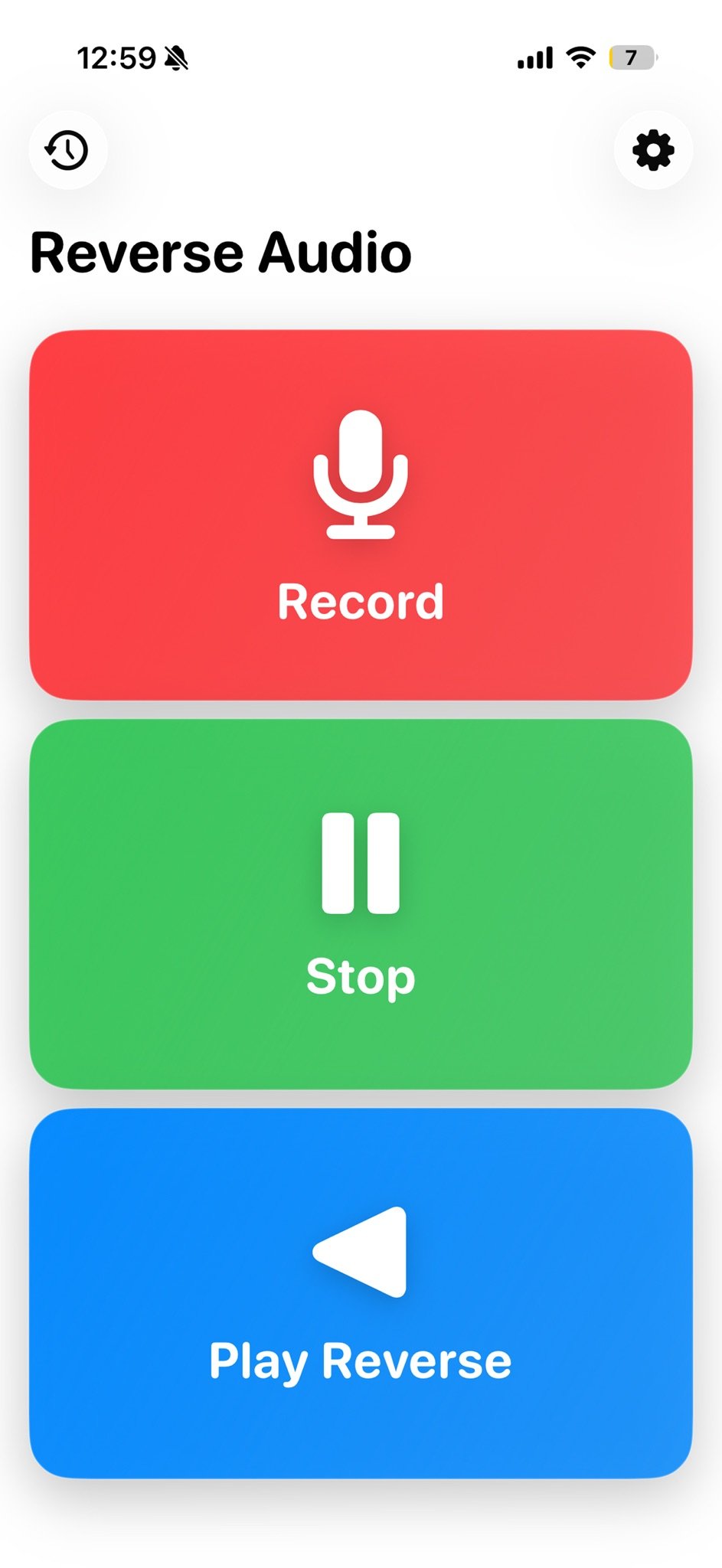
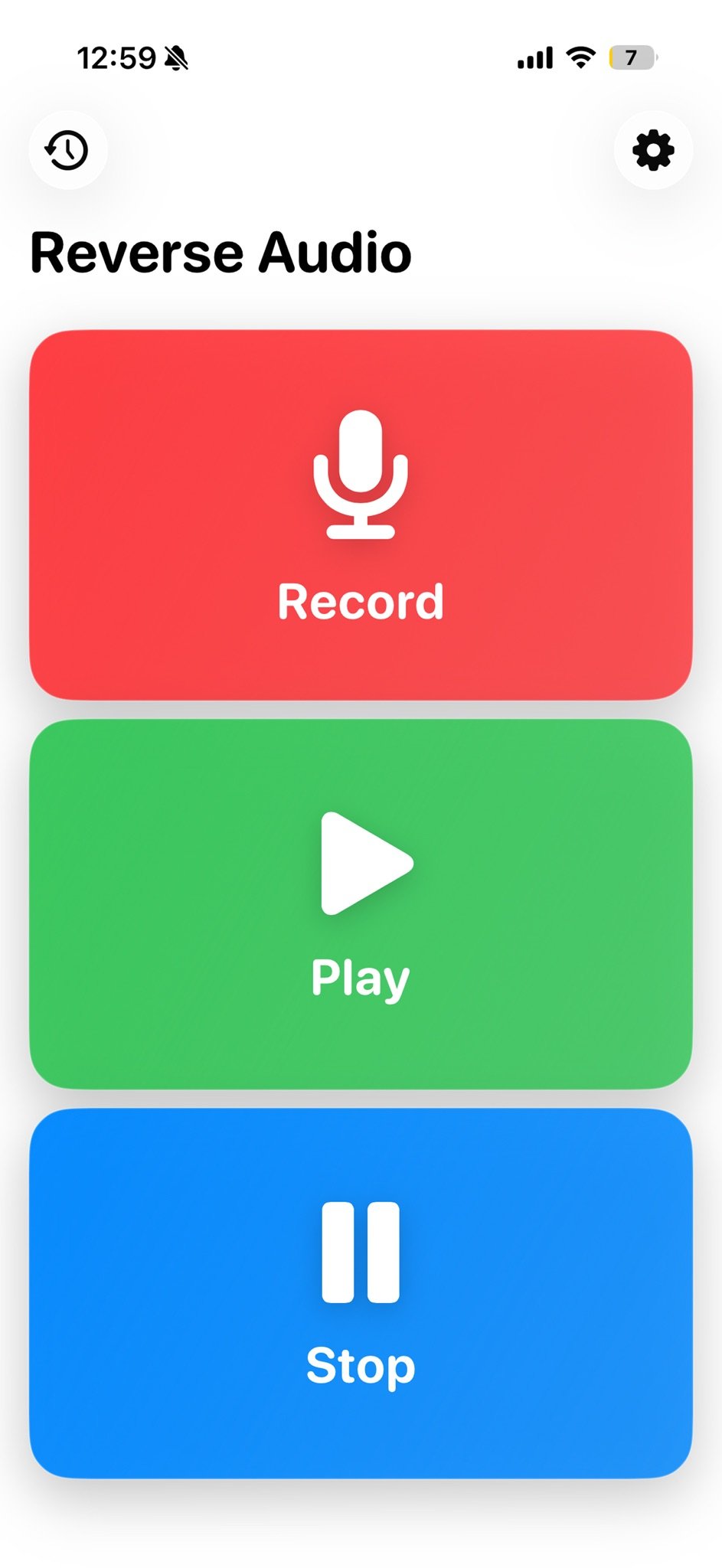
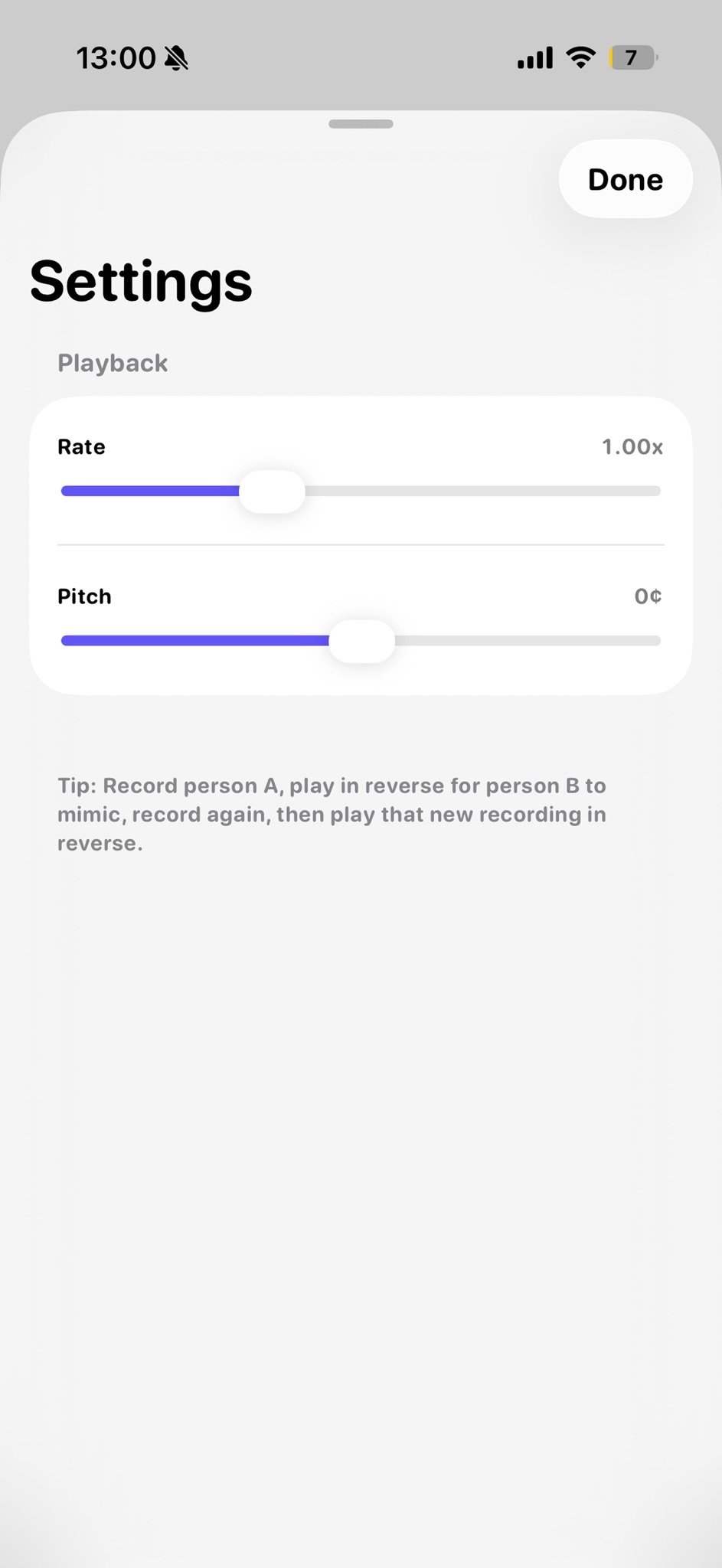
At a glance
Free to download, rated 4+, and available in English.
Free
Price
4+
Age rating
EN
Language

Get Reverse Audio • Singing & Play
Reverse Audio – Sing It Backwards Turn any word, lyric, phrase, or quote into a fun and surprising reverse audio challenge.